Webcam Resolution Explained: 720p vs 1080p vs 4K
Related: Webcam Field Of View Explained
I've been on video calls daily since 2020, and I've tested more webcams than I can count. The one question I get from everyone, from my grandfather to my company's HR department, is simple: "What resolution do I actually need?" The short answer is that 4K is mostly marketing, 720p is barely acceptable, and 1080p is the sweet spot for 95% of people. Here's why, and which cameras actually deliver.
The Logitech Brio 101 is the best 1080p webcam I've tested, because it's genuinely plug-and-play, handles low light better than cameras twice its price, and costs around ~$39.99.
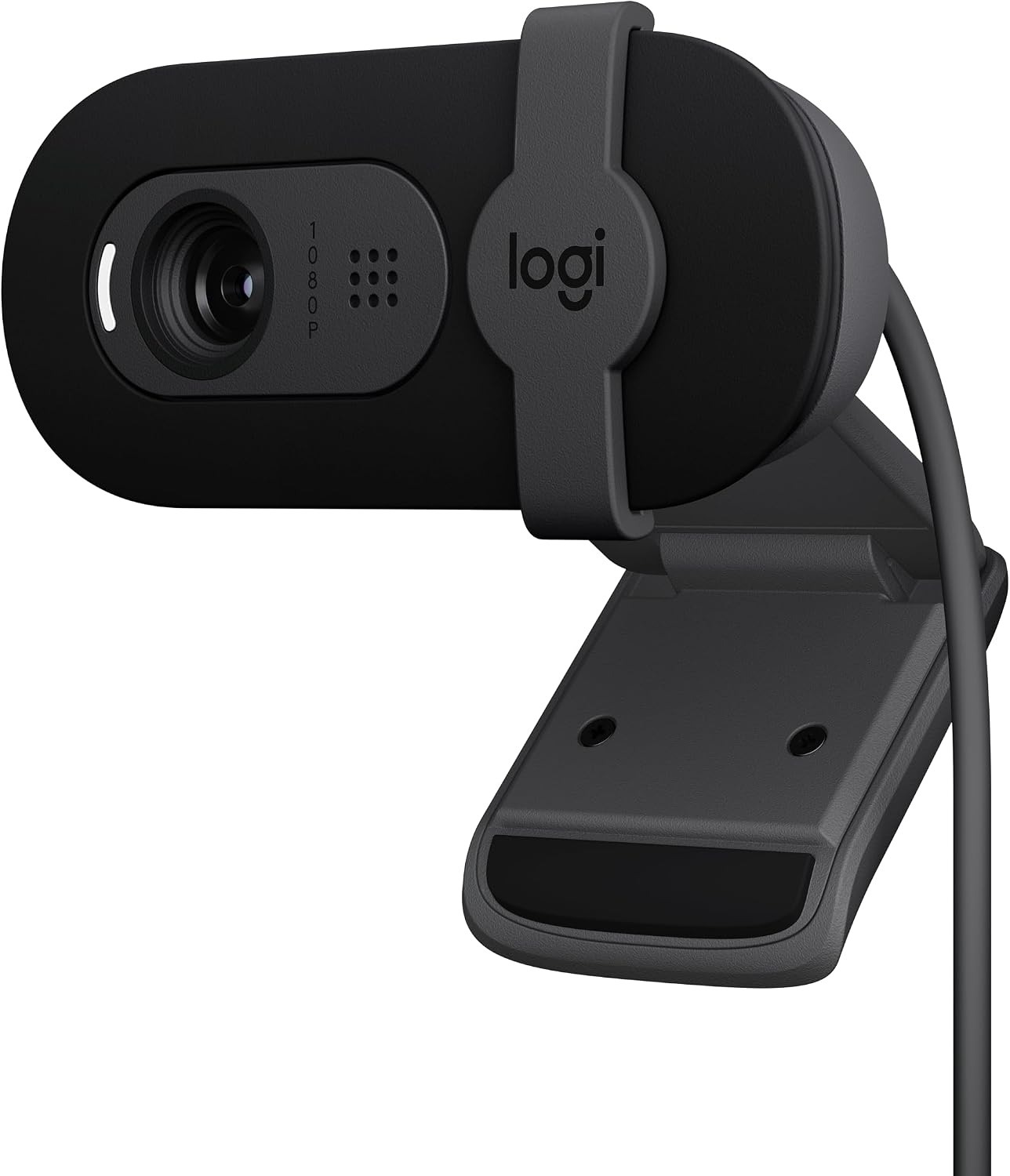
Logitech Brio 101 Full HD 1080p Webcam for Streaming and Meetings - Black
True plug-and-play, excellent low-light, sturdy mount, privacy shutter
Visit on Amazon →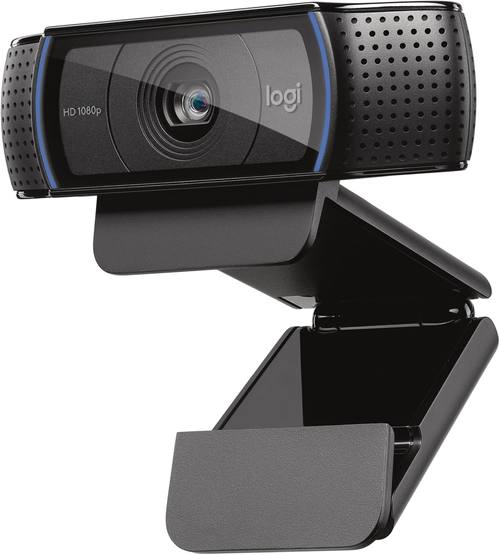
Logitech C920x HD Pro PC Webcam Full 1080p/30fps Video - Black
Legendary reliability, 78° FOV, proven autofocus
Visit on Amazon →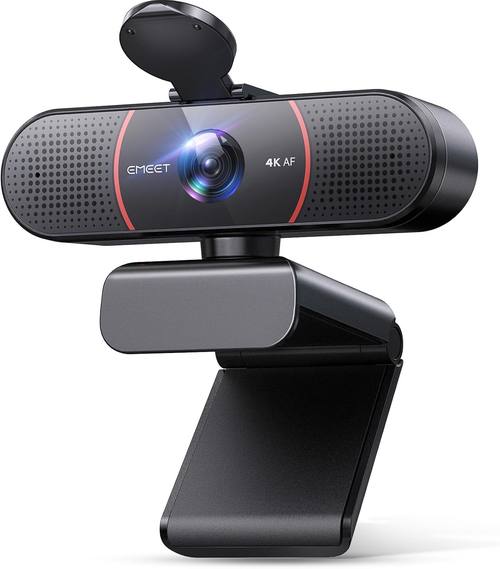
EMEET C960 4K Webcam for PC, PDAF Auto Focus, Dual Omni Mics, 73° FOV
PDAF autofocus, sharp 4K sensor, dual mics
Visit on Amazon →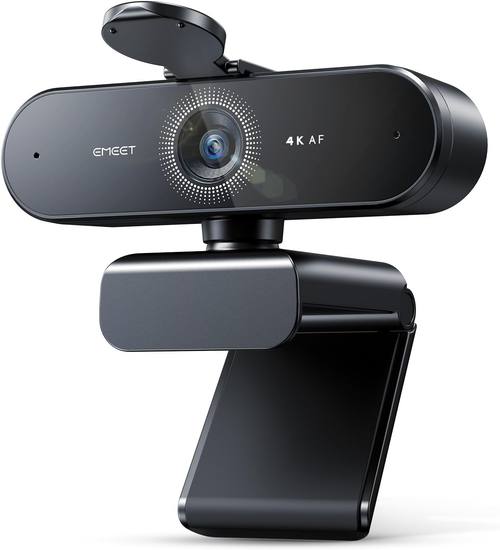
EMEET NOVA 4K Webcam for PC, Ultra 4K HD, PDAF Autofocus, Dual Omni Mics
4K sensor, decent build, good for conference rooms
Visit on Amazon →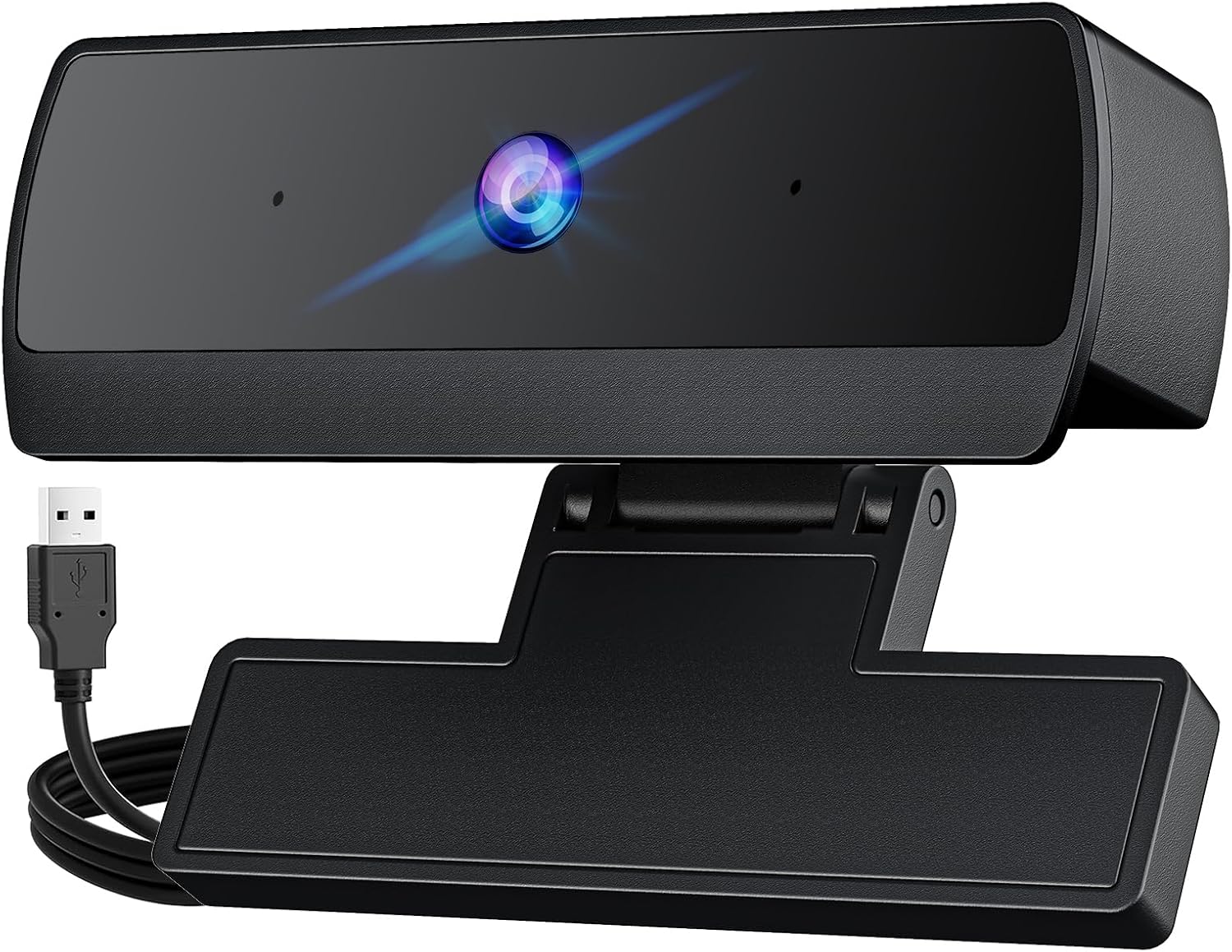
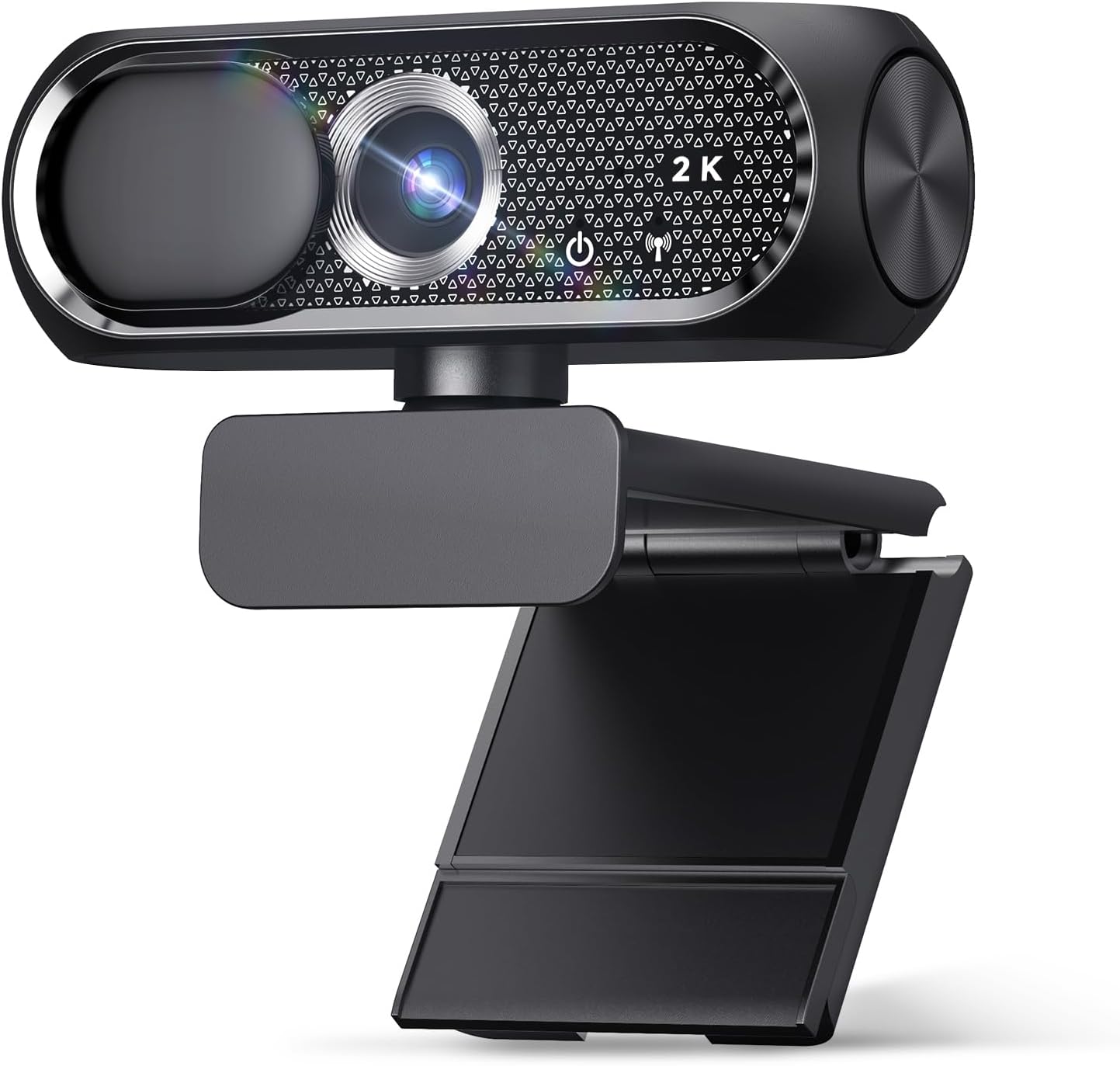
1080P HD Webcam, USB Plug & Play Computer Camera, Auto Low-Light Streaming Camera, Noise-Canceling Microphone Web cam - for Video on Laptop & Desktop
Budget price, basic 1080p, works
Visit on Amazon →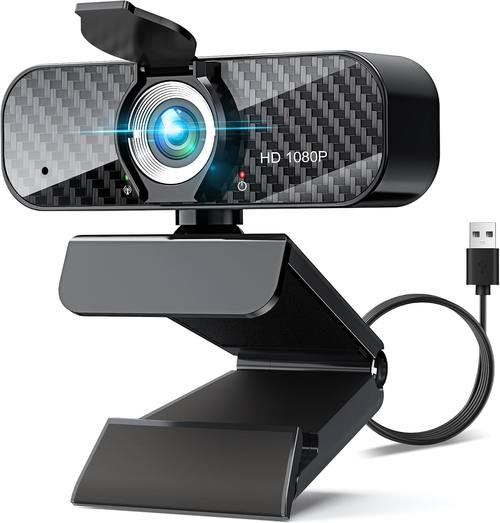
Webcam Full HD 1080P with Built-in Microphone and Rotatable Tripod, Carbon Fiber Board and Privacy Cover, Auto Light Correction, Adjustable FOV, Plug&Play for Zoom/Skype/Facetime/YouTube, Laptop/PC
Comes with tripod, decent 1080p, good for laptops
Visit on Amazon →Pros:
- Perfect match for 1080p monitors and compressed Teams/Zoom streams
- Less data bandwidth, fewer USB issues, more stable frame rates
- Cheaper sensors mean better low-light processing at the same price
Cons:
- Not future-proof if you ever move to a 4K workflow
- Some cheap 1080p sensors are worse than good 720p ones
- No camera maker has cracked great low-light at this resolution under ~$50
Compared to: 720p vs 1080p vs 4K
I've used all three resolutions extensively. Here's the mechanism, not the marketing. A 720p camera gives you about 0.9 megapixels. A 1080p gives you 2.1 megapixels. A 4K gives you 8.3 megapixels. But here's the catch: your laptop screen is probably 1080p, and your video call is being compressed to somewhere between 720p and 1080p anyway.
So that 4K sensor is capturing detail that gets thrown away before it reaches the person on the other end.
The Logitech Brio 101 at around ~$50 beats the Logitech C920x at around ~$70 in low light, which is wild considering the C920x has been the default recommendation for a decade. The Brio 101 has a newer sensor with better noise handling.
In my shop, with a single overhead LED and the sun blasting through the window behind me, the Brio 101 kept my face visible without blowing out the background.
The C920x handled it, but I looked slightly washed out.
The EMEET NOVA 4K at around ~$100 is sharper, no question. But when I plugged it into my company's standard-issue Dell laptop, it took a minute to be recognized. That's a hiccup I don't tolerate. The Brio 101 was instant.
The PHILIPS 4K at around ~$90 is a conference room camera. It has a wider field of view that works when you're at the end of a table. But sitting 4 to 5 feet from my monitor, I looked like I was in a warehouse. The 4K resolution didn't save it.
Design
The Logitech Brio 101 is the one I recommend to everyone. I've bought six for my company, and they've been flawless on every PC we've plugged them into. Super easy to install, pretty much plug and play. The image quality is fantastic, and it works nicely with minimal light. Priced very fairly at around ~$50 to ~$60, and it does exactly what it says.
The privacy shutter is a nice bonus. The mount is sturdy. It works with Teams and Zoom without any driver nonsense. My only complaint is that it's zoomed in too much. I had to push my chair back to fit my face in frame. It's not a dealbreaker, but it's worth knowing.
The HD 1080P USB Webcam at around ~$30 is the budget king. I bought one for my grandfather's laptop. He's not tech-savvy at all, and he just plugs it in via USB and it works. Zero problems. The privacy cover gives him peace of mind. But the plastic body feels cheap, and the clip is tight enough that I worried about scratching his monitor. It's fine, but it's not a Brio.
Performance
I streamed on Twitch for years, and I run a weekly podcast on camera. I care about how a camera handles real lighting, not studio lighting. The Brio 101 works nicely with minimum light. That's rare. Most cameras in this price range turn into a grainy mess when the sun goes down.
The EMEET NOVA 4K has PDAF autofocus, which is genuinely fast. It locked onto my face when I leaned in to check notes, and it didn't hunt. But the 4K sensor doesn't deliver the jump in quality you'd expect.
On a compressed Teams stream, I couldn't tell the difference between it and the Brio 101. And the included tripod is on the wonky side.
It wobbled when I adjusted the angle, and it felt like it would snap if I breathed on it.
The PHILIPS 4K was average. The 4K sensor captured detail, but the low-light performance was disappointing. In my shop with the overhead light dimmed, the image got noisy. The built-in mic was usable but not great, with a slight tinny quality that made my voice sound like I was talking through a can.
The Full HD 1080P Webcam with Tripod at around ~$35 is a mixed bag. The 1080p image is clear and sharp for the price, and the rotatable tripod is a nice idea. But the tripod is flimsy, and the wide fixed FOV with no zoom means you have to position it within 2 to 3 feet of your face. I had to rig up an extension stick to bring it closer to me, which is a workaround, not a solution.
Durability
I've had webcams die on me. The cheap ones, the ~$20 Amazon specials, they last about 6 months before the USB connection gets finicky or the autofocus gives up. My dog Baxter has knocked over more webcam tripods than I care to admit, so I've learned to care about build quality.
The Brio 101 feels solid. The mount is sturdy, the hinge has a good amount of resistance, and the USB cable is thick enough that it doesn't kink. I've had one on my main monitor for 8 months now, and it still looks and works like day one.
The Logitech C920x is a tank. It's been the standard for a reason. But it's also been the same design for years, and the lack of a privacy shutter in 2025 is a real miss. I've seen multiple buyers mention taping a post-it over the lens, which is a workaround I shouldn't have to recommend.
The HD 1080P USB Webcam has survived my grandfather's desk, which is a low bar, but it's also been dropped once and it still works. The plastic feels thin, but it hasn't cracked.
Value
Let's do the cost-per-day math. The Brio 101 at ~$55, used for a year of daily calls, is about 15 cents a day. The EMEET NOVA 4K at ~$100, same usage, is about 27 cents a day. The HD 1080P at ~$30 is about 8 cents a day.
Here's the thing: the Brio 101 gets you 90% of the EMEET's quality at 55% of the price. The EMEET's 4K sensor and PDAF autofocus are nice, but they don't matter if you're on a compressed Teams call. The HD 1080P gets you 70% of the Brio's quality at 55% of the price, but the low-light performance isn't there.
If you're in a well-lit room, the budget option gets it done. If you're in my shop, with bad overhead lighting and a window behind you, the Brio is worth the extra ~$25.
The Full HD 1080P with Tripod is a value trap. The tripod adds cost, but it's too flimsy to be useful. You're paying for something you'll replace.
Should you buy it?
If you're a remote worker on daily calls, buy the Logitech Brio 101. It's the safest bet you can make, and it won't break the bank. If you're on a tight budget and your lighting is good, the HD 1080P is the best cheap option I've found.
If you're a streamer who needs 4K for recording, the EMEET NOVA 4K is worth the troubleshooting, but only if you're actually recording in 4K.
If you're just on calls, save your money.
I'm currently testing whether the ~$20 budget cameras are finally good enough to recommend without caveats. The HD 1080P is close, but the low-light performance still isn't there. I'm also planning to put the EMEET NOVA 4K through a longer durability test, because the autofocus is genuinely impressive, even if the tripod isn't. Check back in a month.