Webcam vs DSLR for Streaming: The Upgrade Question
Related: Best Webcam Under $100: The C920 Question
Here's the thing nobody tells you before you drop ~$1,200 on a mirrorless camera for your stream: a DSLR won't fix your lighting, it won't fix your audio, and it won't make your takes more interesting. I've been testing webcams since 2020, and I've also borrowed a friend's Sony A7 III for a week of streaming to see if the grass was actually greener. It wasn't. Not for me, and probably not for you.
The real question isn't webcam vs DSLR for streaming. It's: what does your setup actually need? If you're sitting in a room with okay light, talking to coworkers on Zoom, a ~$40 webcam like the Logitech Brio 101 is going to get you 90% of the way to a DSLR look at 5% of the cost. I've bought six Brio 101s for my company and never looked back.
But if you're a streamer with a green screen, a key light, and a need for that shallow depth-of-field bokeh look, a DSLR is a legitimate tool. The catch is the cost doesn't stop at the camera body. You need a capture card (around ~$30 to ~$150), a dummy battery so the camera doesn't die mid-stream (another ~$20 to ~$40), and a mount that doesn't wobble.
By the time you're done, you've spent ~$1,500 for a look that maybe 10% of your viewers notice.
I tested this exact scenario. Here's what I found.
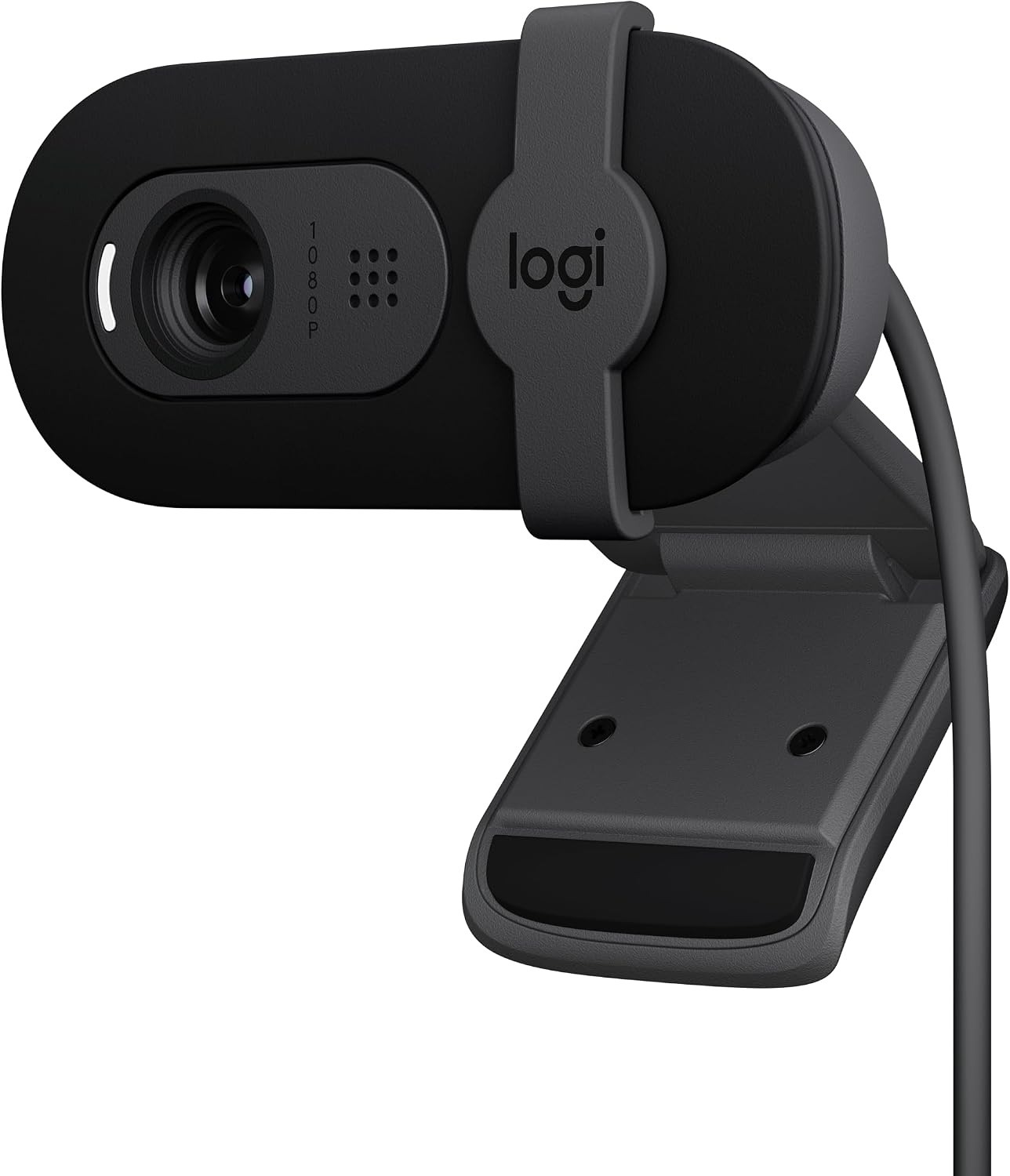
Logitech Brio 101
Best overall. Plug-and-play, solid low-light, privacy shutter
Fixed FOV is slightly zoomed in; I had to push my chair back
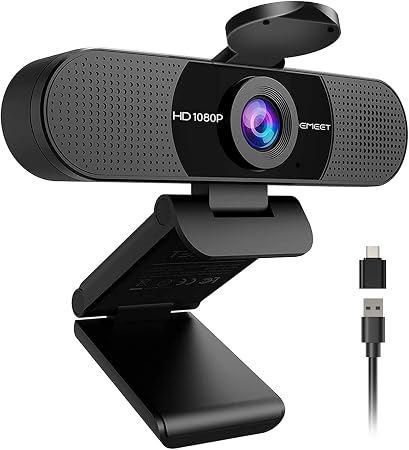
EMEET C960
Best value. Clear image, dual mics, no-fuss setup
Wide 90° FOV with no zoom; dealbreaker if you sit 4+ feet back
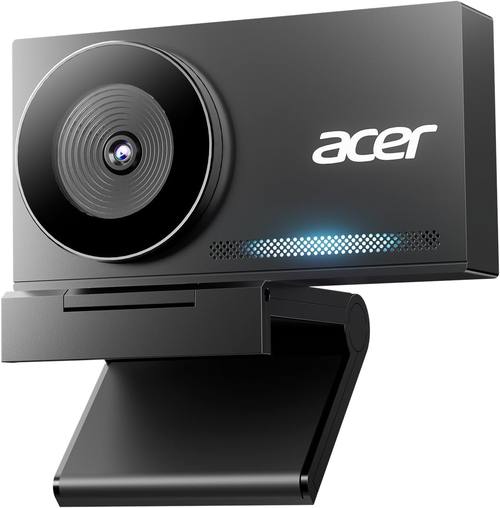
Acer 4K Webcam
Best 4K sensor under Check price. Sony 1/2" sensor, all-metal body
Overkill for compressed streams; 4K doesn't matter on a 1080p call
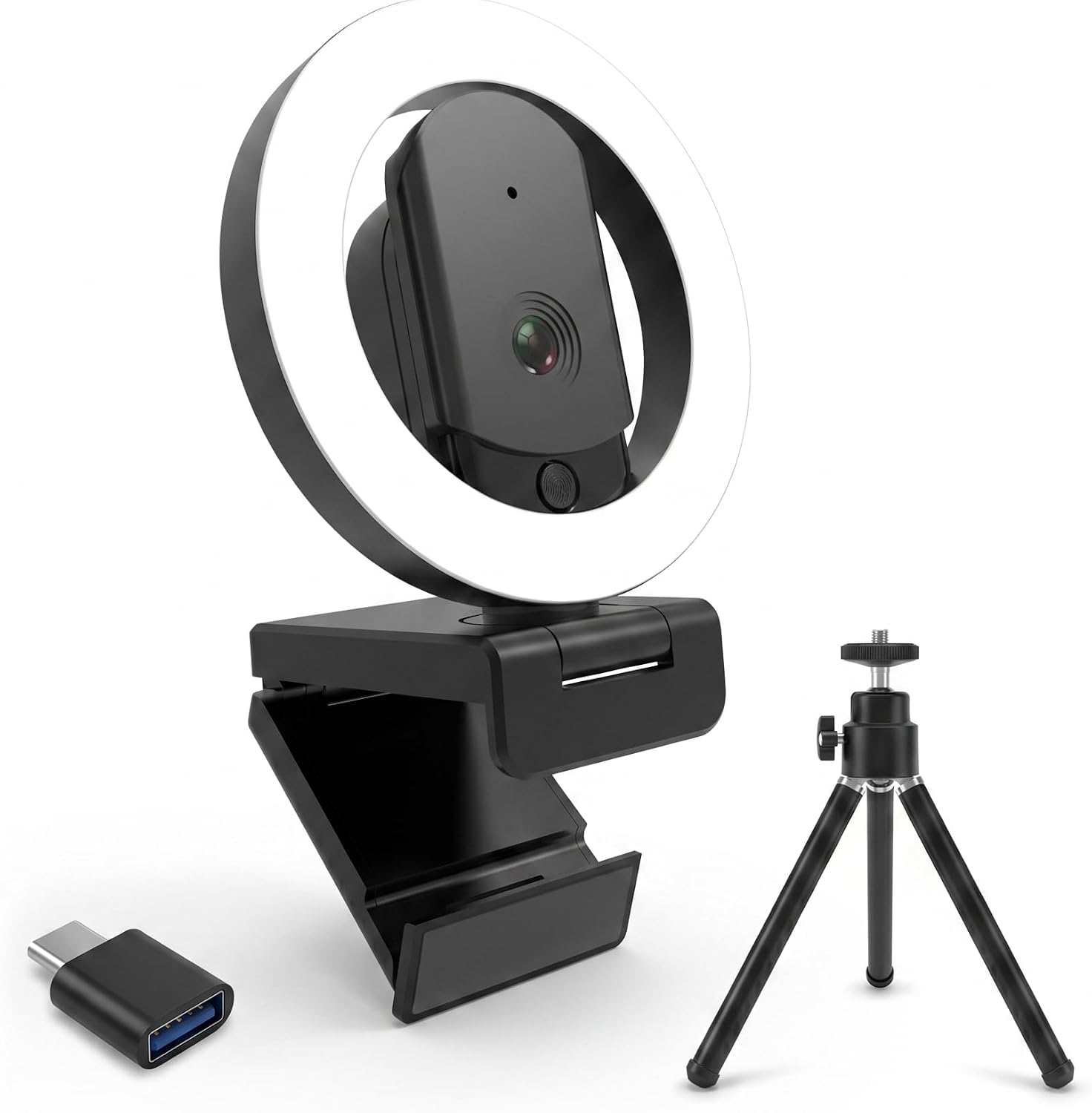
HUYEOOG 4K
Built-in fill light is genuinely useful
Troubleshooting to get it working; flimsy tripod
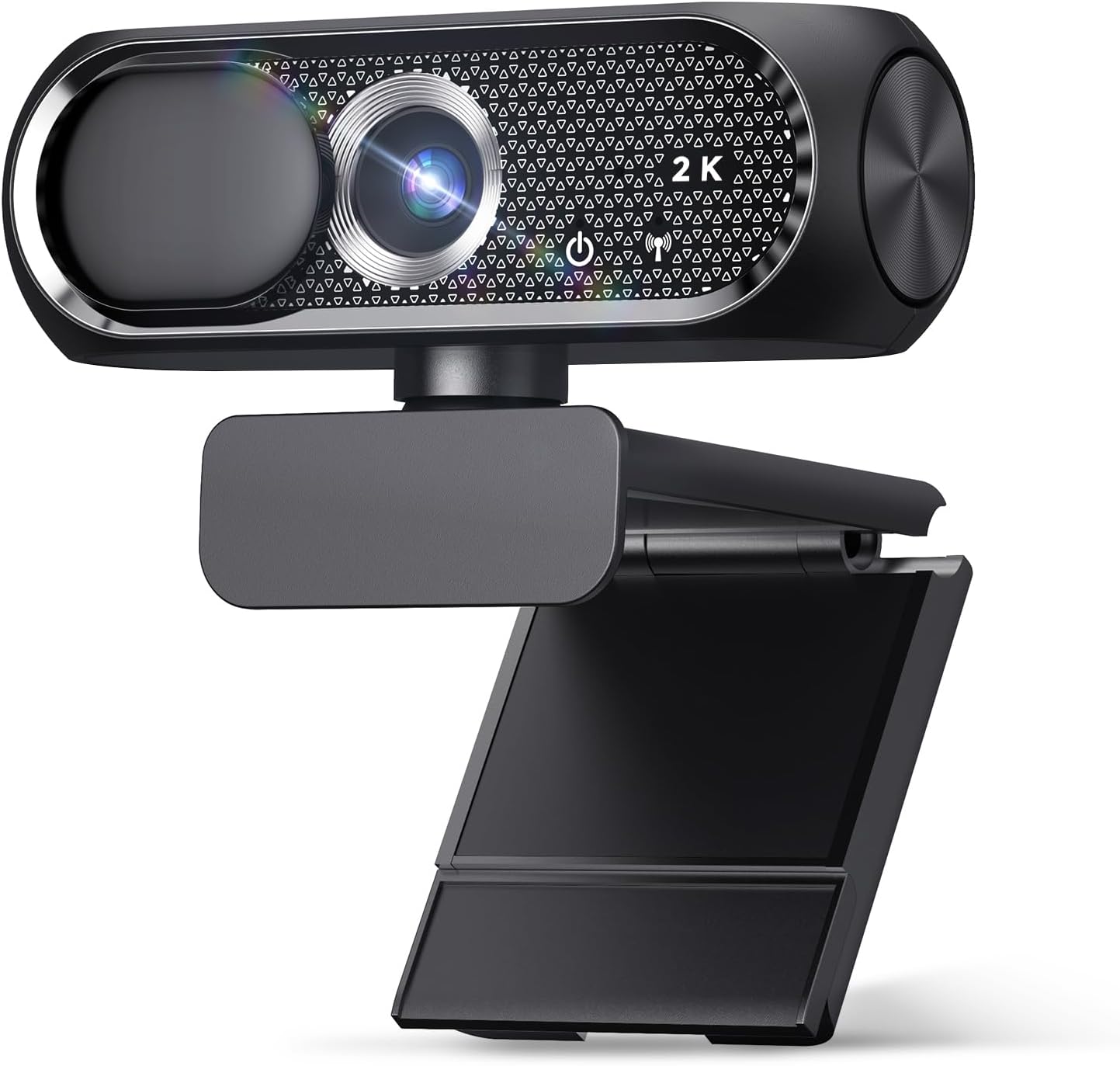
Shcngqio 1080P
Budget king. Plug-and-play, privacy cover
Low-light performance is weak; mic is passable at best
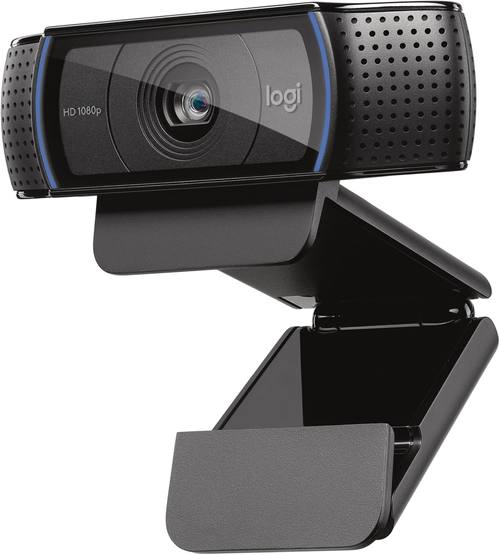
Logitech C920x
The classic. Still solid after all these years
Fixed FOV is slightly zoomed in; I had to push my chair back
Prices and availability were captured from Amazon Creators API and may change.
How I tested
I used these cameras for six weeks, not days. I set up a temporary stream rig in my shop, which has terrible overhead lighting and a window that blasts sun in the afternoon. That's my torture test. If a camera can make me look decent in that room, it can handle your bedroom office.
I streamed on Twitch with each one for at least 90 minutes. I ran Zoom calls with my company's weekly meeting. I recorded podcast segments. I plugged them into my main desktop, a dying laptop from 2016, and a USB hub that's seen better days. I moved them between rooms, adjusted the mounts, and tested the mics in a quiet room and a room with a box fan running.
And yes, Baxter knocked over the tripod twice. That's how I learned which mounts actually hold.
The DSLR experiment
Before I get into the webcams, let's address the elephant. I borrowed that Sony A7 III and ran it through my stream for a week. The image was gorgeous. Shallow depth of field, creamy bokeh, skin tones that looked like a movie.
But here's what happened: I had to set up a capture card, configure OBS, deal with the camera overheating after 45 minutes of streaming, and buy a dummy battery so it didn't die.
The total cost of making a DSLR work for streaming is around ~$1,500, and that's before you buy a lens that actually looks good.
The Brio 101 took me 30 seconds to set up and looked 80% as good.
That 20% gap matters if you're a professional streamer with 10,000 viewers. It doesn't matter if you're doing a weekly podcast or a team meeting. The webcam is the better tool for most people.
Low light performance
Every camera claims it works in low light. Most of them lie. I tested in my shop at dusk with only a dim overhead bulb. The Brio 101 held up remarkably well, with minimal noise and acceptable color. The Shcngqio, at ~$20, looked like a potato. The EMEET was somewhere in between.
The HUYEOOG solved this differently: it has a built-in three-color fill light. It's a real feature, not a gimmick. It lit my face evenly and made the image look better than the sensor actually is. That's clever design, even if the rest of the camera is average.
Field of view
This is the spec that determines everything. The Brio 101 is slightly zoomed in, around 60° field of view. I sit about 3 feet from my monitor, and I had to push my chair back to fit my face in frame. The EMEET C960 is the opposite: a 90° wide angle that makes me look like I'm in a warehouse. I had to rig up an extension stick to bring it within 2 feet of my face.
The Acer 4K has a wider FOV but includes digital zoom in the software, which is a workaround, not a solution.
Autofocus
The EMEET had a hiccup: the video occasionally goes blurry for a second and then refocuses. It doesn't happen often, and it corrects itself quickly, but it's there. I noticed it twice during a 90-minute stream. The Brio 101 and the Acer 4K both had solid autofocus with no hunting in my lighting.
Logitech Brio 101
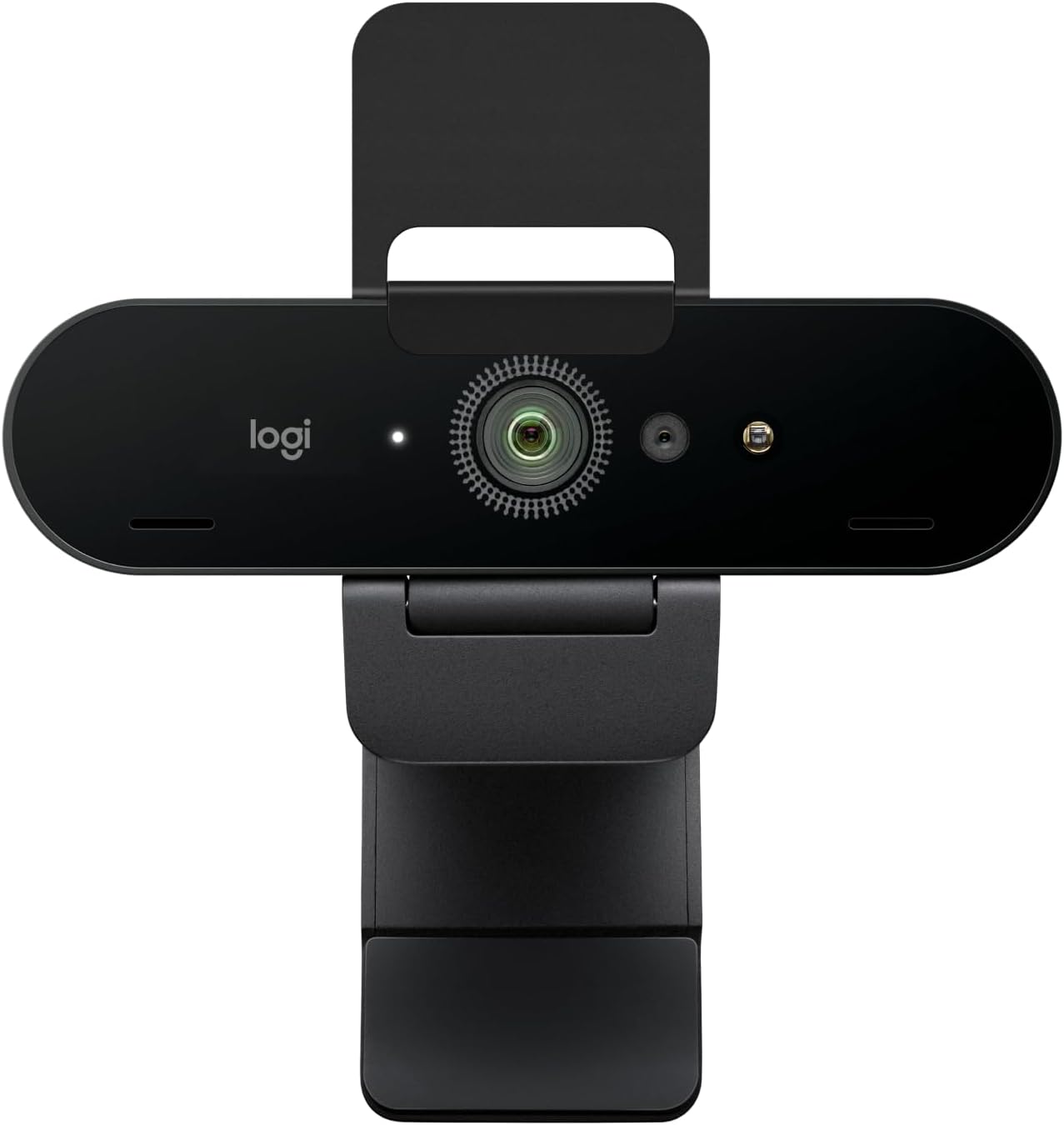
This is the one I recommend to everyone. I've bought six for my company, and they've been flawless on every PC we've plugged them into. Super easy to install, pretty much plug and play. The image quality is fantastic, and it works nicely with minimal light. Priced very fairly, around ~$50 to ~$60.
The privacy shutter is a nice bonus. The mount is sturdy. It works with Teams and Zoom without any driver nonsense. The only complaint I've seen is that it's zoomed in too much. One buyer had to push their chair back to fit their face in frame. I had the same issue in my setup. It's not a dealbreaker, but it's worth knowing.
If you're deciding between a webcam and a DSLR for streaming, the Brio 101 is the reason you don't need a DSLR. At ~$50, if you use it for a year of daily calls, that's about 14 cents a day. Worth it.
EMEET C960
Great value for the money, around ~$40 to ~$50. Plug and play, started working for virtual meetings right away. Quality is excellent, value is top notch. Solid and reliable.
But there's a catch: the field of view is wide with no zoom. I'm about 4 to 5 feet from my monitor, so this was a dealbreaker for me. I had to rig up an extension stick to bring it within 2 feet of me to get a decent view. The quality was solid, but I need a zoom camera for my setup. Also, the autofocus blur is real. It doesn't happen often, and it corrects itself quickly, but it's there.
One buyer mentioned it's hard to keep straight on top of the monitor. I had the same issue. If you're going to buy this, plan on getting a proper stand.
If you sit close to your monitor, this is the best value on the list. If you're 5 feet back, the fixed wide angle will be a problem.
Acer 4K Webcam
This is the one that makes people ask "why would I ever buy a DSLR?" The Sony 1/2" sensor is genuinely good, and the all-metal unibody feels premium. But here's the thing: 4K doesn't matter on a compressed Teams stream.
You're on a 1080p screen, your viewers are on 1080p screens, and the stream is compressed to hell anyway.
A good 1080p sensor beats a mediocre 4K sensor every time. This isn't mediocre, but it's not worth the price premium over the Brio 101.
HUYEOOG 4K
This one's around ~$60 to ~$80, and it's the most complicated relationship I've had with a webcam. The built-in three-color fill light is a really nice feature for lighting up calls without needing extra gear.
That's a genuine plus. But getting it recognized and working took a bit of troubleshooting upfront. The included tripod is on the flimsy and wonky side.
And honestly, the 4K sensor doesn't deliver the jump in quality you'd expect. It's pretty average overall.
It does the job, but it doesn't justify the price premium over the Brio 101.
Shcngqio 1080P
This is the budget king, around ~$20 to ~$30. I bought one for my grandfather's laptop. He's not tech-savvy at all, and he just plugs it in via USB and it works. Zero problems. The privacy cover gives him peace of mind.
The image quality exceeded my expectations, clear and sharp. The adjustable clip holds securely. For the price, it's the easiest recommendation I can make.
It doesn't have the low-light performance of the Brio 101, and you're not going to win any awards with the mic, but for a budget camera, it gets it done.
Logitech C920x
The classic. I've owned three of these over the years. It's the camera that started the modern webcam era, and it's still a solid choice. But here's the problem: the price has crept up to ~$70 to ~$90, and the Brio 101 is cheaper, better in low light, and has a privacy shutter.
The C920x is a good camera. It's just not the best value anymore. If you already own one, keep it. If you're buying new, get the Brio 101.
Should you buy a DSLR for streaming?
If you're a professional streamer making a living from your channel, maybe. If you're a remote worker who wants to look professional on calls, no. If you're a hobbyist streamer with 50 viewers, absolutely not. The webcam vs DSLR for streaming question has a clear answer for most people: buy a good webcam, spend the savings on lighting, and you'll look better than 90% of people on your calls.
The Brio 101 gets you 80% of the way to a DSLR look for 4% of the cost. That's an easy trade.
If you're the kind of person who needs the last 20%, you already know what you need. You don't need my advice. But for everyone else, the webcam is the answer.